Converting one image to Excel solves a single file, but recurring projects often begin on image-heavy web portals. Use the Thunderbit Chrome Extension to collect source image URLs and surrounding page data across hundreds of pages in one click. Prefer to hand this job to AI? Use the Thunderbit API or Thunderbit MCP. Want a recurring, analysis-ready dataset without running the workflow yourself? Use our Web Scraping Service.





Transform Images into Excel Data Fast
How to Convert Images to Excel Tables Using Thunderbit



Learn how to convert images of tables, receipts, or lists into Excel-ready data
Extract Structured Data from Images
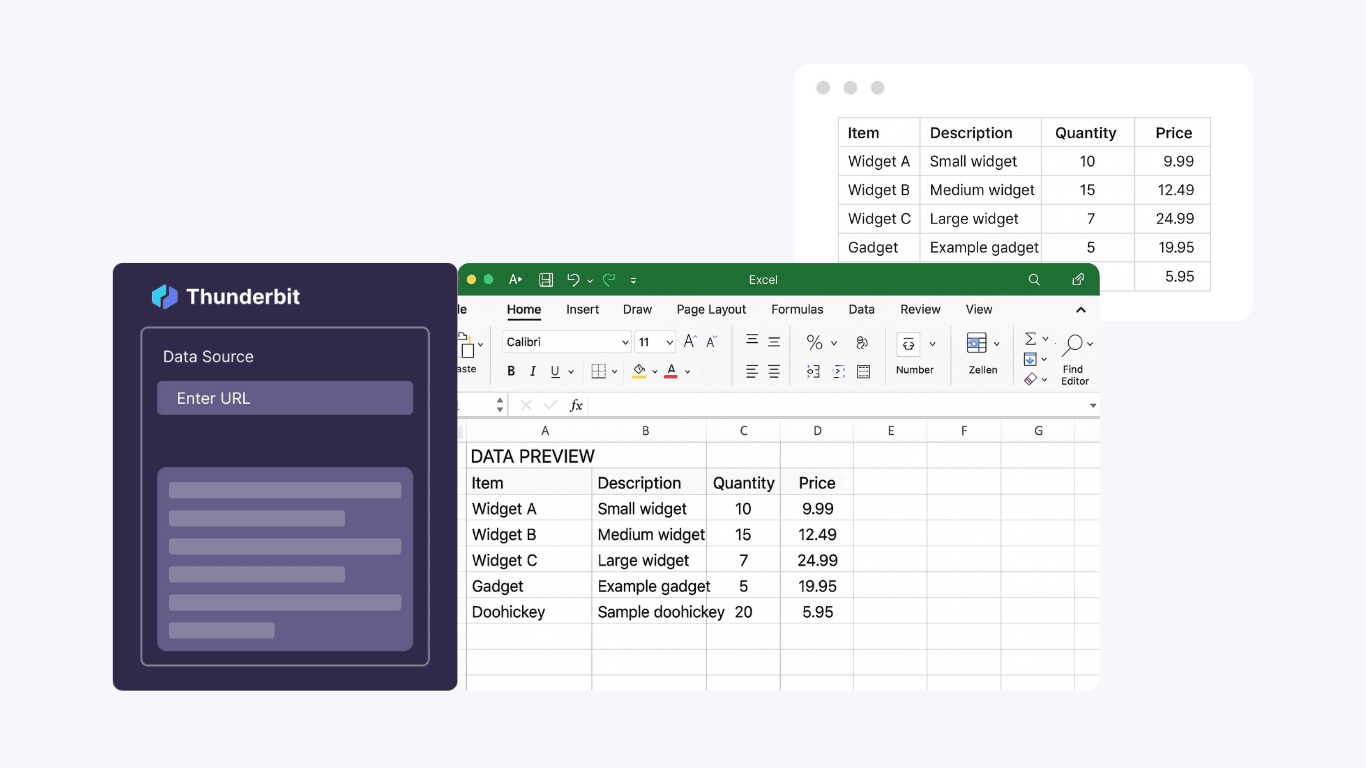
Preserve Table Structure and Language Consistency
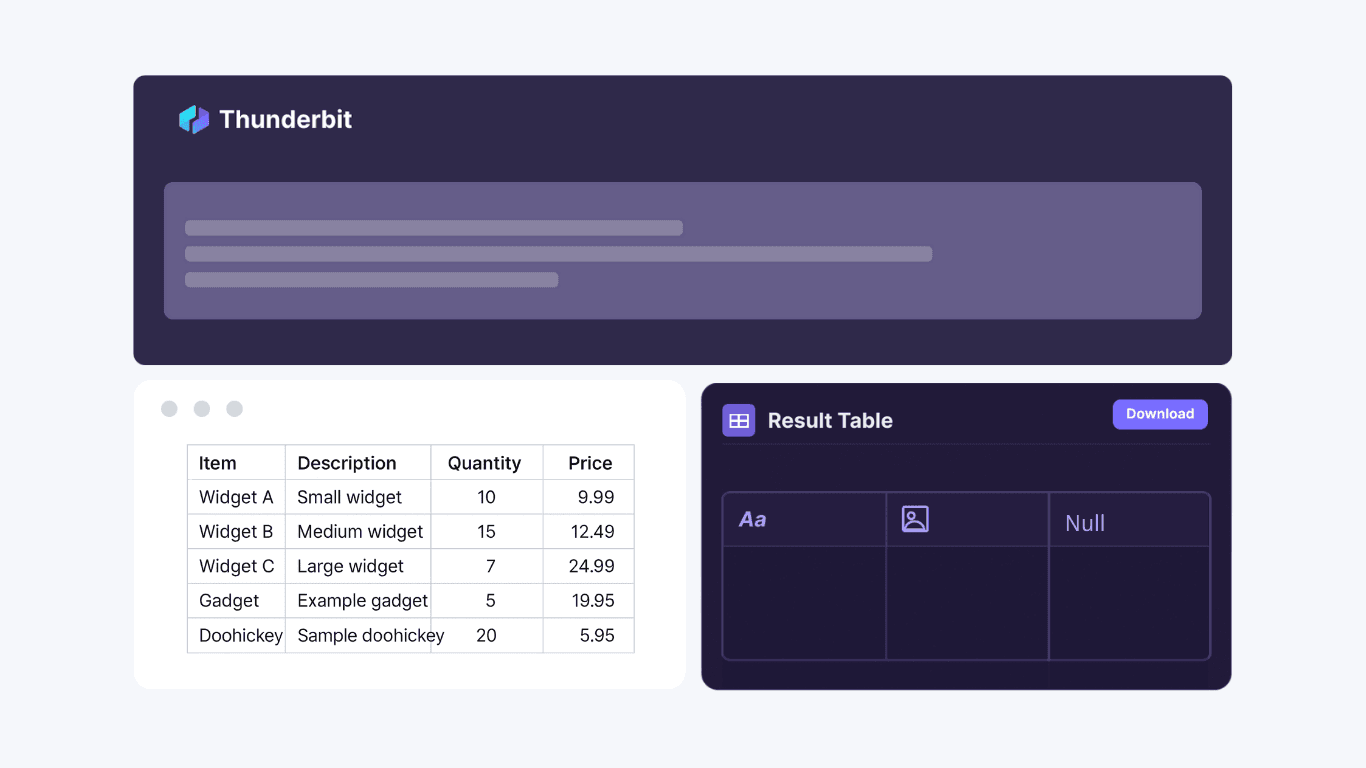
Export Data Directly to Excel or JSON
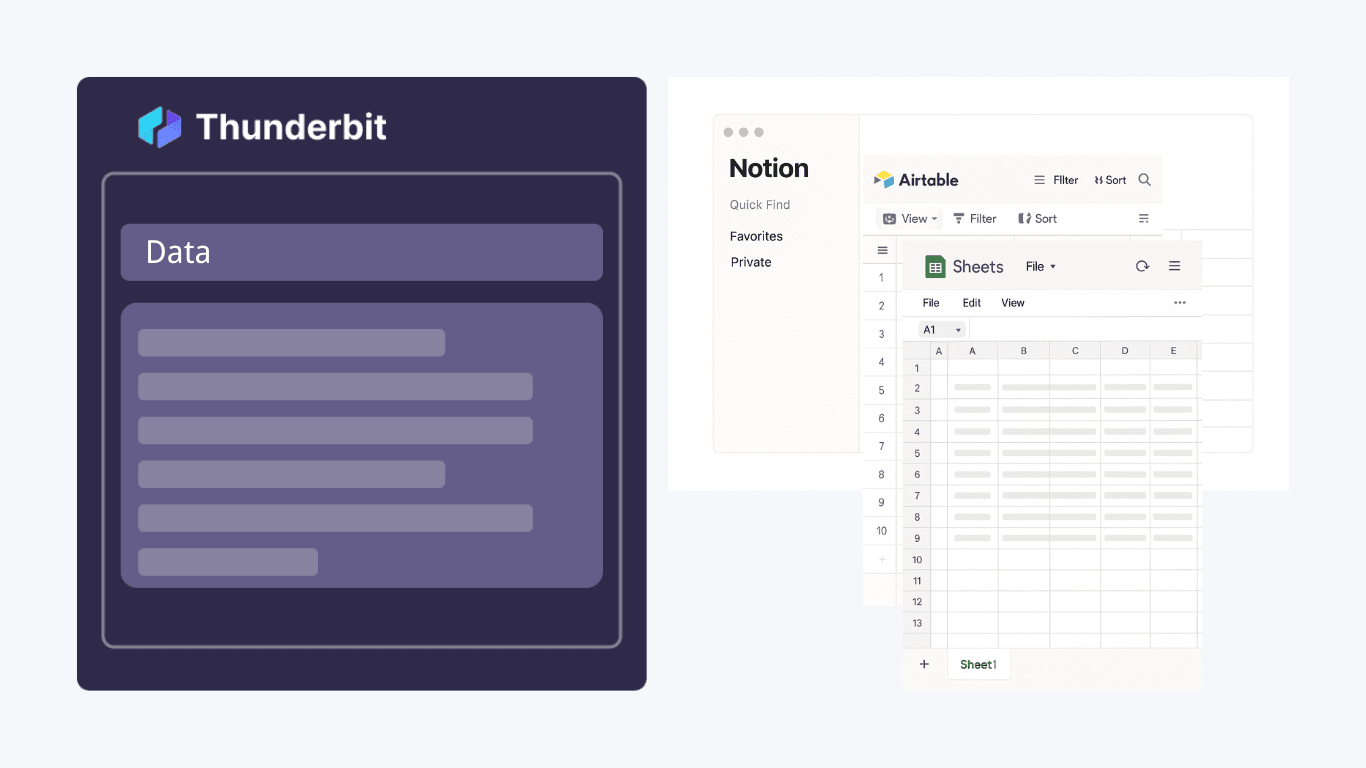
Digitize Receipts, Invoices, and Lists for Fast Analysis

Discover More Free Tools
JPG to text converter
Convert JPG images into editable text using OCR. Extract words from scans, screenshots, and notes so you can copy, search, and reuse content fast.
JPG to excel converter
Convert JPG images of tables into editable Excel files using OCR. Extract rows and columns accurately to save manual data entry time.
PNG to excel converter
Convert PNG table images into structured Excel spreadsheets using OCR. Preserve rows, columns, and key formatting to speed up data entry and reporting.
Table Extraction
Convert tables from images into downloadable Excel files. Quickly turn visual or scanned tables into structured spreadsheets for easy analysis.
PDF to CSV converter
Convert tables in PDF files into clean CSV for spreadsheets. Upload a PDF and download structured rows and columns in seconds. Ideal for invoices, reports, and statements.
Image to Text Converter
Extract text from any image in seconds and convert it into editable, structured content. Save time on manual typing and streamline your workflow.
PNG to text converter
Extract editable text from PNG images using OCR. Convert screenshots and scanned graphics into searchable copy for reuse and editing.
Invoice OCR
Extracts text from invoice PDFs or images, making it easy to digitize and organize billing information for faster processing.