Wikipedia Scraper for Infoboxes, Citations, and Sections













Organize Wikipedia Articles for Research
Keep article facts, infobox values, citations, and section context in separate fields.
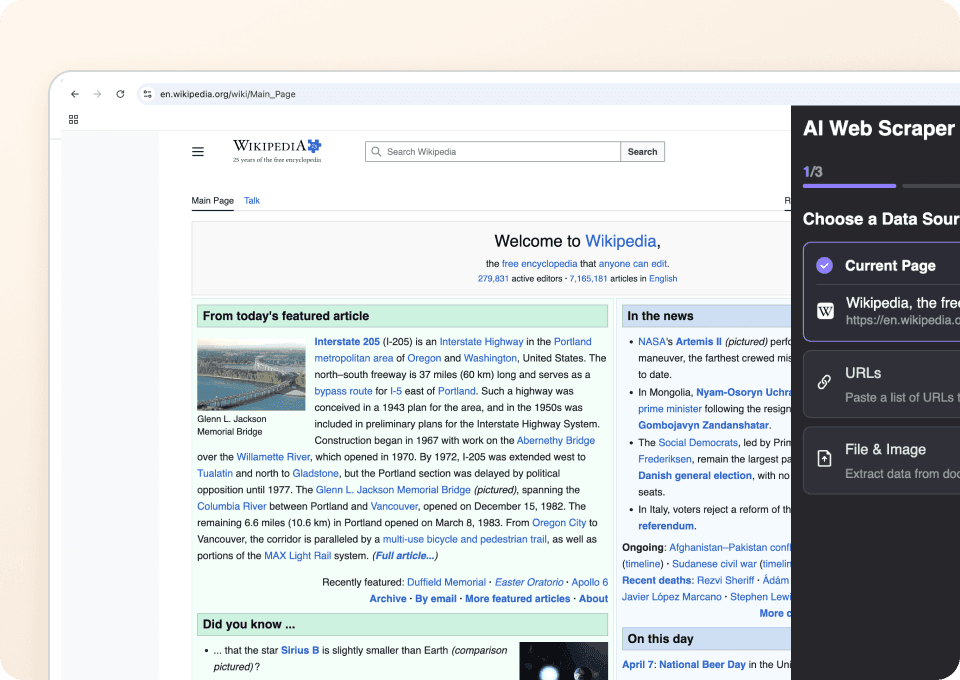
Extract Wikipedia Data in One Click
It proposes columns for the page you open and completes the capture in one run. Adjust or rename fields in natural language, then run again if you like.
Work Across Different Wikipedia Page Types
The agent reads visible labels, headers, and section titles to map values on the page you can access. If a field isn’t present, the column stays blank.
Export Wikipedia Data Directly
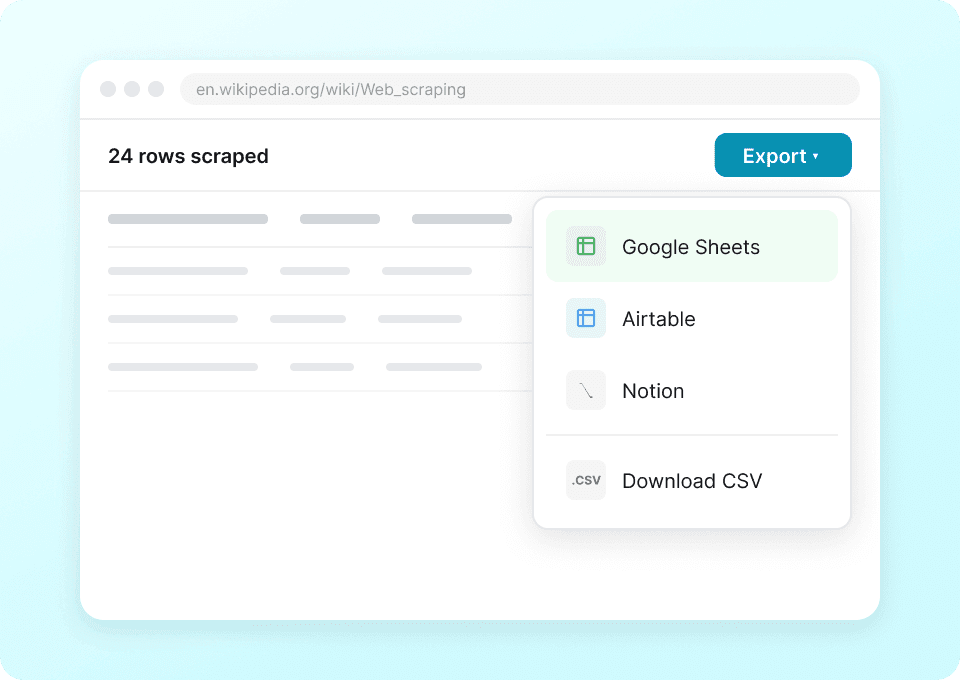
Continue the research in Google Sheets, Excel, Airtable, Notion, or a downloaded CSV.
Collect Wikipedia Research Data Without Building a Scraper
Cut selector upkeep for Wikipedia research.
Manual or selector-based setup
Time spent maintaining rulesThunderbit AI Agent
Field suggestions and a single runColumns for article facts, infobox, citations, and sections
Columns appear only when shown on the page you can access.
- page_title
- page_url
- lead_paragraph
- first_sentence
- infobox_image_url
- infobox_image_caption
- birth_name
- birth_date
- death_date
- birth_place
- death_place
- nationality
- occupation
- years_active
- employer
- alma_mater
- spouse
- children
- website
- notable_works
- latitude
- longitude
- categories
- reference_titles
- reference_links
- external_links
- article_sections
- table_of_contents
- hatnotes
- page_last_edited_date
See researchers capture structured facts from open pages
In user-recorded videos, researchers pick page facts, check the rows, and move the result into their own tools.








Questions about Wikipedia research runs
Short answers for Agent Mode on Wikipedia.
When your research spans Wikimedia projects
Pair Wikipedia articles with Wikidata items, Commons groups, or media pages.

DialIndia Scraper
The Thunderbit DialIndia Scraper lets you extract data from DialIndia's business profiles and travel directories with AI-powered field suggestions. Gather business names, contact details, locations, and descriptions for research, marketing, or lead generation in just a few clicks.
Learn more ->
TripAdvisor Business Listings Scraper
The Thunderbit TripAdvisor Business Listings Scraper lets you extract data from TripAdvisor's business listings, resource hub, and owners forum. Use AI-powered field suggestions to quickly gather resource names, URLs, descriptions, forum topics, authors, and post content for research, marketing, or analysis.
Learn more ->
Substack scraper
Extract Substack subscriber counts, article titles, and publication descriptions in 2 clicks — then export to Excel, Google Sheets, or Notion. No code needed; Thunderbit's AI handles the structuring for you.
Learn more ->
UNIQLO Scraper
Extract Uniqlo product names, prices, colors, and sizes in 2 clicks with Thunderbit's AI-powered Chrome extension. Export directly to Google Sheets, Excel, or Notion and keep your product research always current.
Learn more ->
On the Beach Scraper
The Thunderbit On the Beach Scraper lets you extract holiday and hotel listings, prices, ratings, and more from On the Beach in just two clicks. Use AI-powered field suggestions to quickly collect and organize travel data for analysis, comparison, or planning. Ideal for travel professionals, analysts, and vacation planners.
Learn more ->
Amarillas.com Scraper
The Thunderbit Amarillas.com Scraper lets you extract structured data from Amarillas.com, including motels and restaurant listings. Use AI-powered field suggestions to quickly gather business names, locations, contact numbers, ratings, and reviews for research, marketing, or lead generation.
Learn more ->Ready to supercharge your data extraction?
Join 200,000+ professionals already using Thunderbit to automate their web scraping workflows.
Free trial provides unlimited credits for 8 webpages.